
How to Change Heading Tags on GoHighLevel Funnels and Websites
Updated May 2, 2024
Poor heading tag structure weakens both SEO and content hierarchy across your GoHighLevel funnels and websites. This guide shows you how to highlight text and use the floating formatting bar to assign the correct heading tags to any element on your pages.
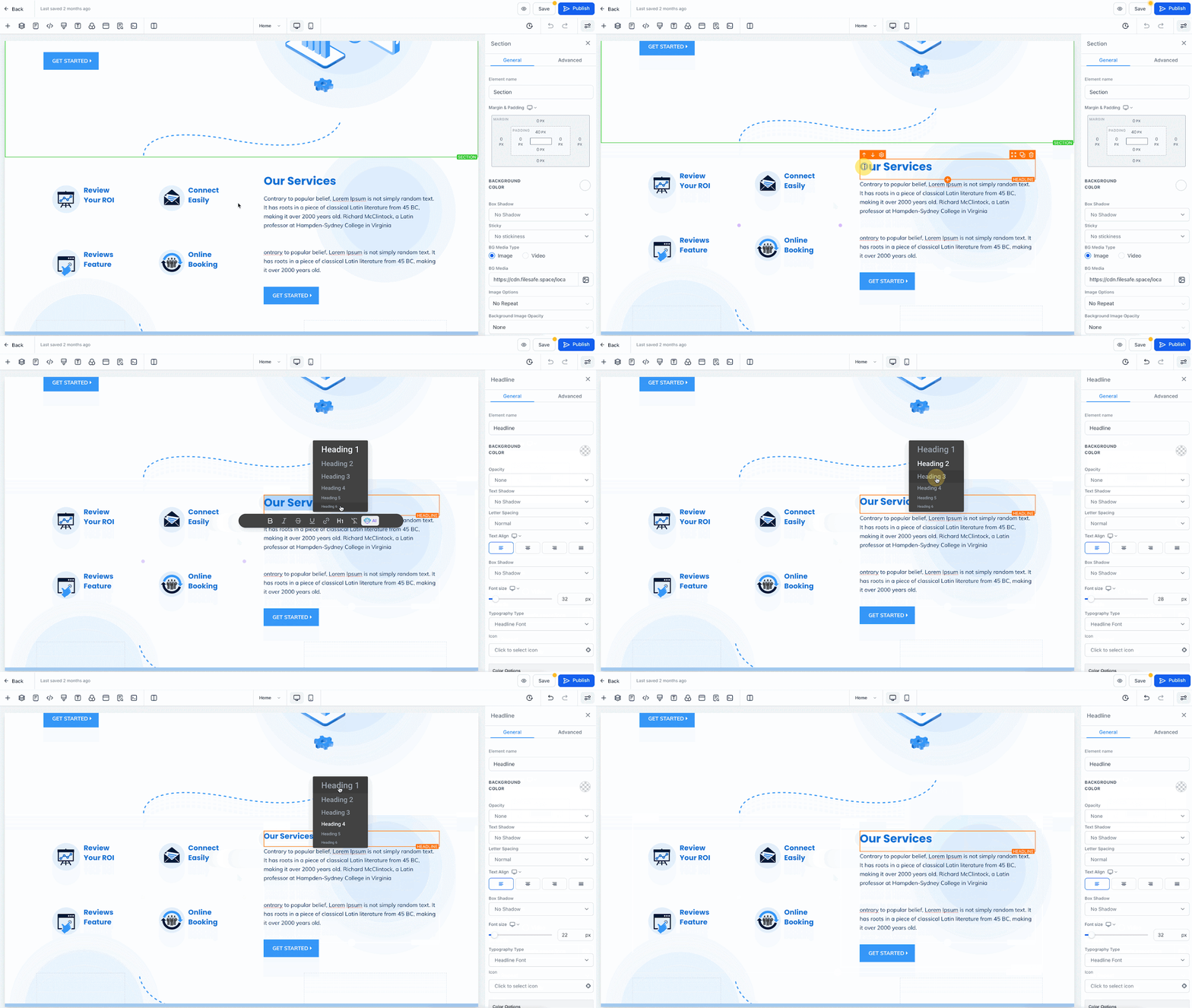
Modify heading tags for your funnel or website pages by highlighting the text within an element, then utilize the heading tag button located on the floating formatting bar. Select your preferred heading tag from the options provided to tailor your content structure seamlessly.
Keep learning